
Tailmanac: why I built a dog-care handoff app
When someone else looks after Darcy, my Papillon, they need her food, medicine, vet and routines, not her tricks. Tailmanac is the iPhone app I built to hand that over. Here's what it shares, why it shares an image, and what's still only an idea.
Darcy is my Papillon. She’s the reason I built my first iOS app.
She’s clever. She knows “Dance” and “Hide”, and I’m still working on teaching her some other skills. But when someone else takes care of her, they need to know much more than her tricks: food, medicine, vet, routines.
So I built Tailmanac: all the important info about your dog in one place, ready for whoever looks after them next.
The problem is the handoff
Before a sitter takes over, those details usually come from memory, old message threads and notes, pulled together shortly before you leave. That’s when an instruction gets missed: a medication time, a food the dog can’t have, the number to call in an emergency.
Tailmanac keeps them on your iPhone: feeding and daily care, medication, allergies and food restrictions, vet contacts, appointments and vaccinations, and the skills your dog already follows. It’s for one dog, there’s no account, and the records stay on the phone.
A different handoff for each person
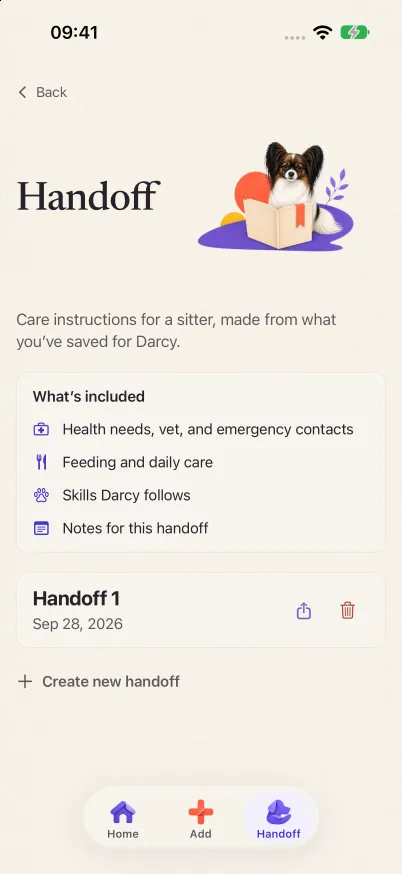
You can create different versions depending on who’s looking after your dog. Each handoff is a selection from what you’ve already saved, plus notes that belong to that handoff only. The editor walks through seven parts: the dog, critical details, daily care, skills, recent notes, appointments and records, and your notes.
A few rules decide what goes in:
- Critical details always go in. Saved medication, allergies, food restrictions and emergency contacts stay in every handoff, and so do daily routines. Everything else you can leave out.
- Missing stays missing. Before you share, Tailmanac lists what still needs attention, such as an emergency contact without a phone number or a medication without a dose. An allergy section you never filled in doesn’t turn into “no allergies”.
- Only the skills your dog already does. A skill goes in once it’s marked “Already does it”. The ones you’re still teaching stay out.
Why the sitter gets an image
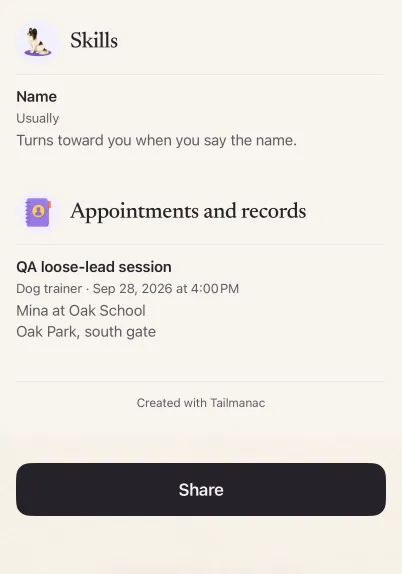
They don’t need to download the app. When you share a handoff, Tailmanac turns it into an image of the care instructions and opens the iPhone share sheet, so it goes out through whatever messenger you already use. An image needs nothing on the other side: no app, no account, no link to open.
The catch is that it’s a snapshot. When the instructions change, you share a new copy. The image you sent earlier doesn’t update.
Reminders
There are also reminders for important appointments. Tailmanac reminds you when scheduled care or an appointment is due. An appointment can be with the vet, a dog trainer or an animal behaviorist, or a boarding drop-off. It’s a plan you keep in the app, not a booking with the provider, and a handoff can include it under appointments and records.
Darcy is the artwork
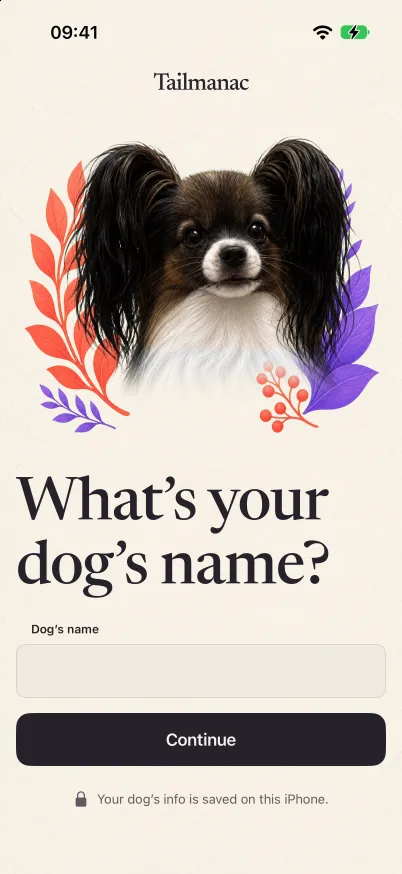
I wanted to make the app personal. So Darcy became the artwork. She’s the first thing you see when you set up the app, and she’s on Home and in the handoff screens.
What’s still only an idea
When I first wrote about Tailmanac, I was thinking about a new idea: your own dog as the star of the app. Part of it is in the TestFlight build. During setup, you can pick from a few illustrated dogs under “Pick the dog that looks most like yours.” Artwork drawn from your own dog’s photos is still only an idea.
A secure, temporary link for the sitter, in place of the image, is planned but not built. For now, the image is the handoff.
Where it stands
Tailmanac is in private TestFlight testing on iPhone. Build 6 entered internal testing on 2026-10-03. It’s a first version of a product, built around one journey: getting a dog’s care to the next person. If you have an iPhone and want to try it, you can ask about TestFlight on tailmanac.com.
A shorter version of this first appeared on LinkedIn on 2026-10-01.
On this page